

Before you start, make sure you have:
- A LiveIntent username and password with access to the advertiser account you want to connect
- Access to edit the click URLs on your LiveIntent creatives
1. Connect the account
Sign in to LiveIntent from Northbeam and pick your advertiser.
2. Add Northbeam parameters
Add
nbt and decisionid to every creative’s click URL.3. Confirm tracking
Check that parameters and spend are reaching Northbeam.
Connect your LiveIntent account
Northbeam connects with your LiveIntent username and password. It uses them to sign in to LiveIntent and get an access token. Use a login that has access to the advertiser account you want to connect.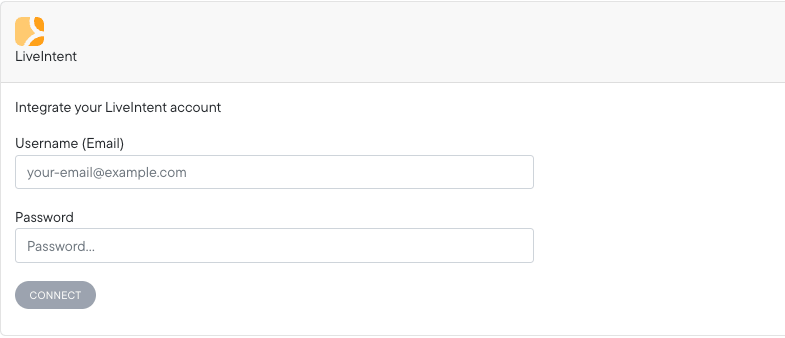
- Open Connections and select LiveIntent. If you’re still in onboarding, go to Integrations > LiveIntent instead.
- Enter your LiveIntent username and password.
- Once sign-in succeeds, select the right LiveIntent advertiser.
- Click Save.
Add Northbeam parameters to your ads
Add the Northbeam parameters to the click URL of every LiveIntent creative, existing and new. Northbeam doesn’t add or update these URLs through the LiveIntent API.Append this string to each click URL:Use Use 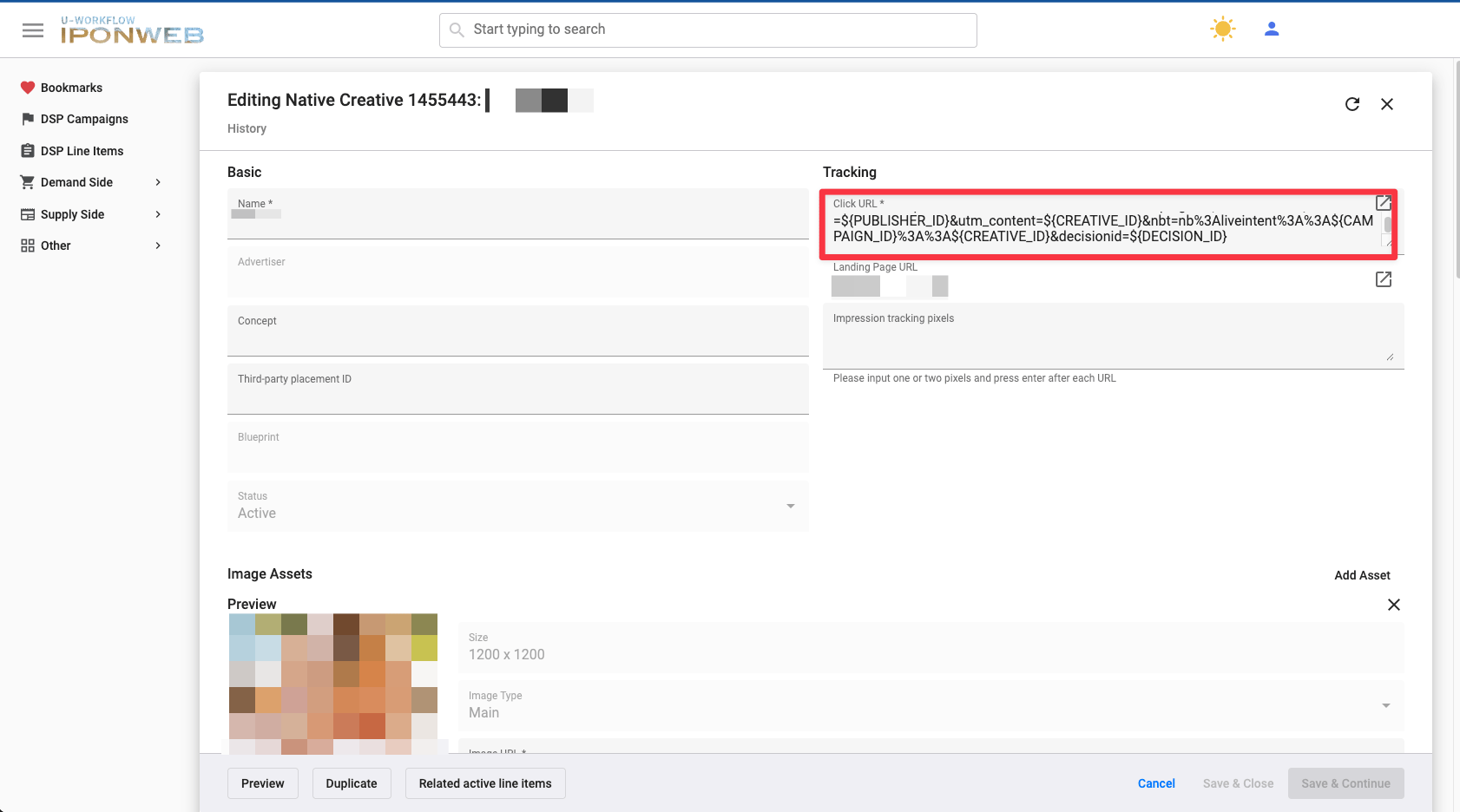
? if the click URL doesn’t have any parameters yet:& if it already has parameters:Confirm tracking
LiveIntent reporting can take several hours to appear after you connect, and may keep updating for up to 48 hours.For a full check:
- Parameters captured: follow Checking UTM tracking to confirm the Northbeam parameters reach your landing pages.
- Connection syncing: follow Checking platform connections to confirm the account shows as connected and data is arriving.
How LiveIntent data maps to Northbeam
LiveIntent performance is reported at the Campaign and Ad levels. The Adset level shows a placeholder to keep Northbeam’s reporting hierarchy.
Need help?
LiveIntent FAQ
Common LiveIntent setup and reporting questions.
Troubleshooting Northbeam data
Start here if a check above fails.