

Before you start, make sure you have:
- A Universal Ads login that can authorize the connection
- Access to Connections in Northbeam
This is a spend-only integration. Universal Ads is a CTV platform, so the integration doesn’t support:
- UTMs or NBT parameters
- Revenue attribution
- Conversion attribution
- Click-based attribution
- Clicks + Deterministic Views (C+DV)
1. Connect the account
Sync spend and campaign reporting from Universal Ads.
2. Confirm tracking
Check that the connection is syncing.
Connect your Universal Ads account
- Open Connections. If you’re still in onboarding, go to Integrations instead.
- Find Universal Ads and click Connect.
- Follow the Universal Ads sign-in flow to authorize your account.
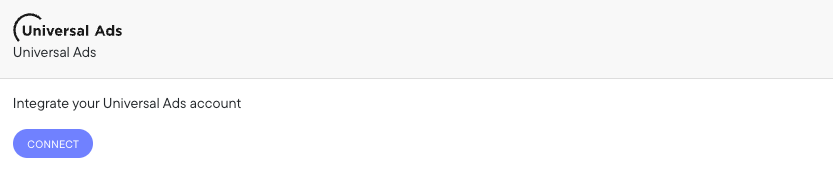
Settings > Connections > Universal Ads
Confirm tracking
- Connection syncing: follow Checking platform connections to confirm the account shows as connected and data is arriving.
Need help?
Universal Ads FAQ
Attribution limits, multiple accounts, and reporting differences.
Troubleshooting Northbeam data
Start here if a check above fails.